Project Archiver
Project Archiver for Final Cut Pro
Archive a finished project into one folder, ready to move to a drive or NAS.
So here’s the problem. You finish a project and want to archive it. That means a new library, consolidating media, exporting the final video, saving the captions, and hoping you didn’t miss anything. Then you move it to a drive and pray it opens in two years without a wall of red “missing media” frames.
Project Archiver does all of that in one step.
How it works
Select your project in Final Cut Pro and choose File › Share › Archive Project. Final Cut exports your video and Project Archiver builds the archive. That’s it.
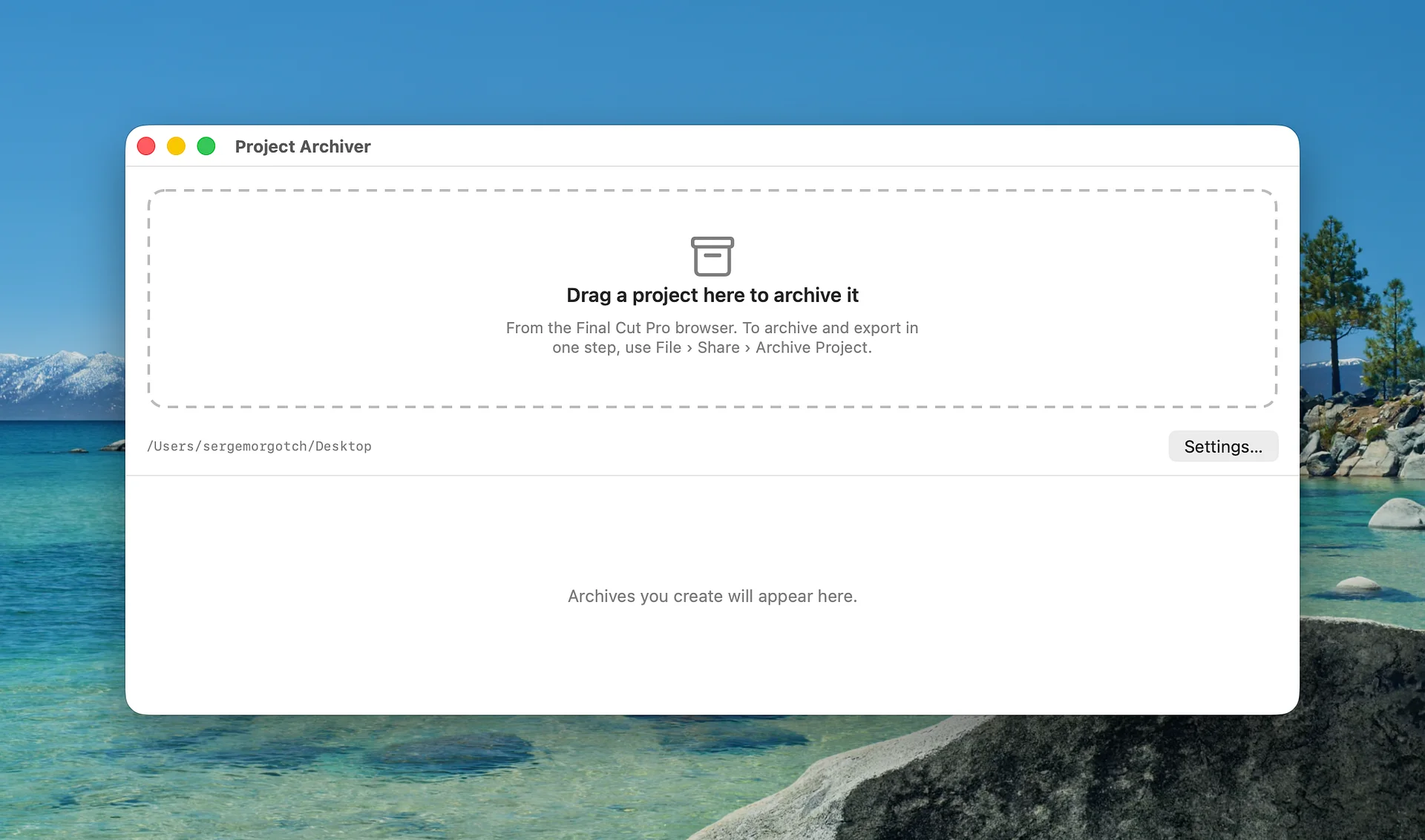
If you don’t need an export, drag the project from the Final Cut Pro browser onto the Project Archiver window instead.
Either way, every project gets one folder:
- Library: a brand new library with just that project and all of its media
- Export: your final video
- Documents: captions as .srt files, the project XML, and an archive manifest
Made for archiving to a drive or NAS
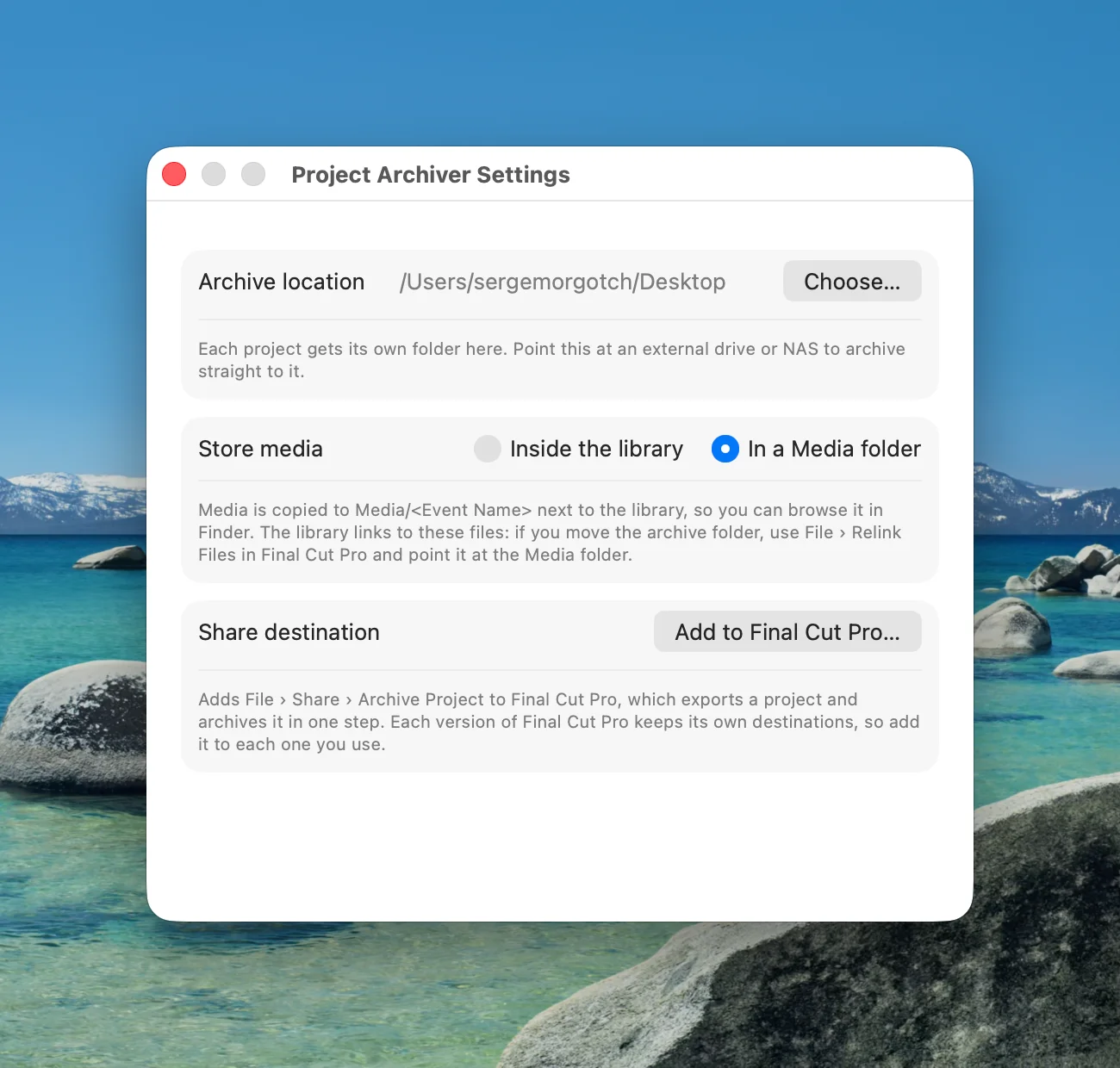
By default, all your media goes inside the library. So you can move the folder anywhere, open the library years from now, and nothing is offline.
Prefer to browse your media in Finder? Switch to Media folder mode in Settings. Your media gets sorted into folders that match your keyword collections, like A-Roll, B-Roll and Audio.
Folder names are cleaned up automatically, so they work on NAS drives. Archive the same project again and you won’t get a duplicate library. Your new export and captions just get updated.
It tells you what you’ll need later
Here’s the thing about archives: third-party titles and effects aren’t part of your media. So the manifest lists every third-party title, generator, effect and transition your project uses, along with the pack or plugin it came from. When you reopen the project down the road, you know exactly what to reinstall.
The little things
- It checks for free space before copying anything, so you won’t end up with a half-finished archive on a full drive.
- You get a notification when Final Cut has finished building the library.
- It works with Final Cut Pro and Final Cut Pro Creator Studio.
- It adds the Archive Project share destination to Final Cut for you the first time you open it.
- It’s signed and notarized by Apple.
What it doesn’t do
Honestly, I’d rather you know this up front. Project Archiver doesn’t copy render files, proxies or optimized media, since Final Cut can rebuild those. It also doesn’t bundle third-party plugins or templates; those are licensed to you, not your archive. That’s why the manifest lists them.
Requirements
- macOS 26.6 or later
- Final Cut Pro or Final Cut Pro Creator Studio
- Apple silicon or Intel Mac
What you get
A download of Project Archiver plus free updates for all 1.x versions. If something goes wrong, choose Help › Save Report for Support… and email me the file. It includes the app’s log and settings, but none of your media or projects.